On October 7, 2026, Microsoft introduced the Surface Laptop Ultra and Surface RTX Spark Dev Box alongside a wider Windows strategy for local AI and cloud-based intelligence. The announcement matters beyond the laptop market: it points toward business software that can decide whether a task should run on a nearby computer or on a remote AI service.
For businesses using CRM, scheduling, project management and document systems, that choice could affect costs, speed, data handling and offline access. Existing applications do not automatically gain these capabilities: they require suitable hardware, integration and controls.
What Did Microsoft Announce in October 2026?
Microsoft opened pre-orders on October 7 for the Surface Laptop Ultra and Surface RTX Spark Dev Box, both designed around NVIDIA's RTX Spark platform. Microsoft says the Laptop Ultra can be configured with up to 128 GB of unified memory and can run supported AI models exceeding 120 billion parameters locally. Actual performance depends on configuration and model.
The Laptop Ultra starts at $2,599 in the United States, with availability beginning October 16, 2026. The desk-based Dev Box is listed at $5,999 and is expected to ship in the U.S. in November 2026. Confirm configurations and delivery details before ordering.
More important than the hardware is Microsoft's hybrid intelligence approach. Windows is being developed to route appropriate work between local models and cloud services. Microsoft also announced general availability of Microsoft Execution Containers (MXC) for agent containment on Windows 11, along with Windows ML support for llama.cpp. Experimental local-and-cloud routing for GitHub Copilot through HydraFusion is planned for later in October, while additional Copilot hybrid capabilities are expected to begin rolling out over the coming months. Those forthcoming features should not be treated as already deployed everywhere.
Developers can test local AI agents and integrate them with applications. Buyers should evaluate workflows, not AI labels. See Microsoft's device announcement and Windows briefing.
What Is Local AI?
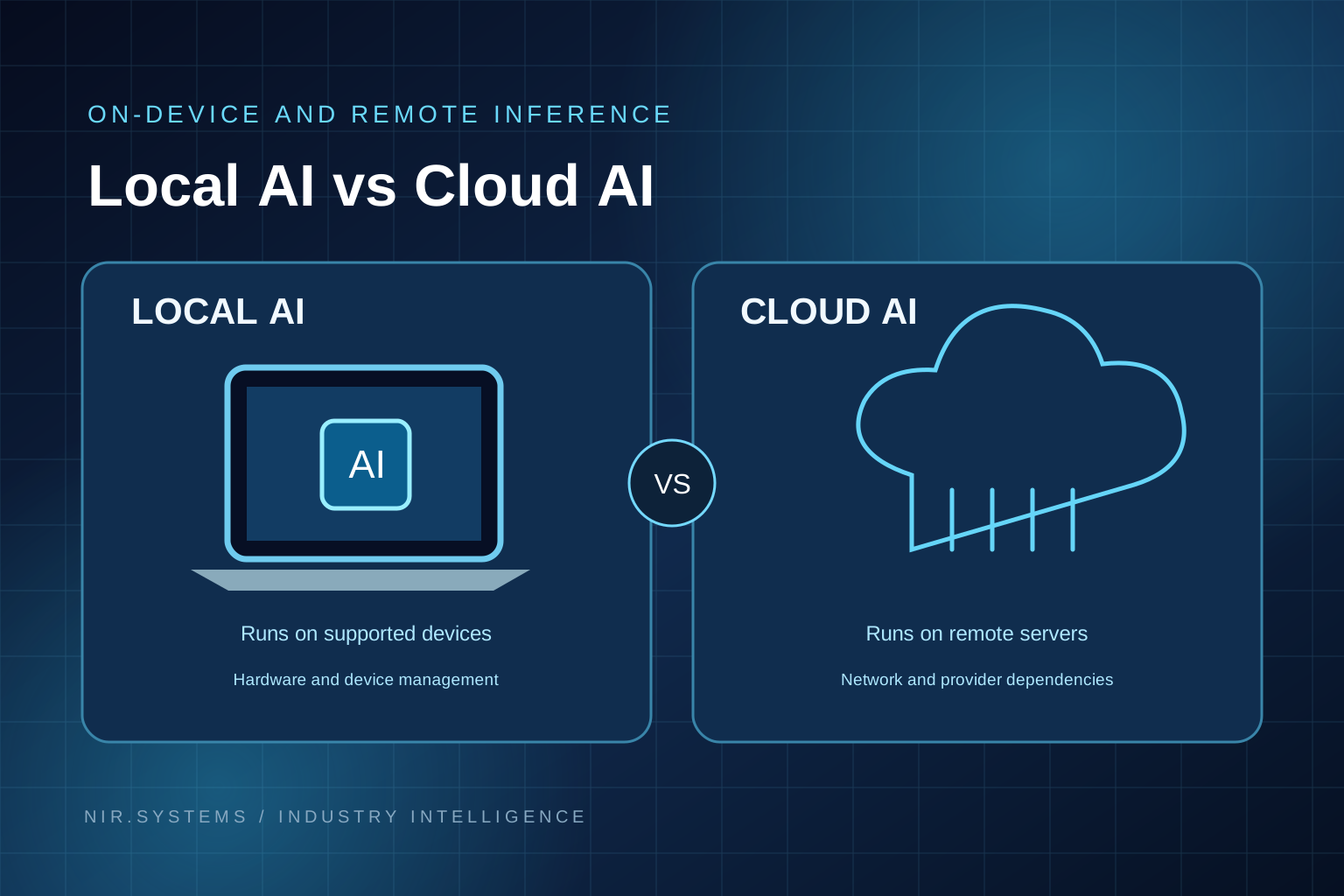
Local AI means an AI model performs its computations on a device or machine controlled close to where the work happens, rather than sending every inference request to an external cloud service. That device might be a capable laptop, office workstation, local server or dedicated edge computer.
For example, a local model could extract equipment identifiers from a job note on a workstation. A cloud model processes the request remotely. Either application may still use cloud storage or synchronization.
On-device AI can support bounded tasks, but hardware limits and model accuracy matter. Choose based on the task, information and review needs.
Local AI vs Cloud AI: What Is the Difference?
Neither approach wins in every situation. A practical comparison is:
| Factor | Local AI | Cloud AI |
|---|---|---|
| Data handling | Inputs can be processed on a controlled device; storage and sync still need checking. | Inputs are transmitted to a service under its contractual and technical controls. |
| Infrastructure costs | Upfront hardware, power, setup and support; lower usage charges may be possible. | Usage-based charges; less specialist hardware to maintain locally. |
| Latency | Can respond quickly without a network round trip, if the model fits the device. | Depends on network and service performance; powerful servers may finish harder tasks faster. |
| Connectivity | Selected workflows may continue offline. | Most workflows need a connection. |
| Scalability | Bound by available devices, memory and administration. | Usually easier to increase capacity on demand. |
| Maintenance | Business or vendor manages model updates, monitoring and endpoint support. | Provider maintains the underlying infrastructure; the business still manages integrations and governance. |
| Model availability | Limited to compatible models and permitted licenses. | Broad access to hosted models and services, subject to vendor offerings. |
| Security considerations | Requires device encryption, access controls, patching and protection against data leakage. | Requires provider due diligence, access controls, retention review and secure integrations. |
Important: Local processing does not automatically guarantee privacy or security. An endpoint can be stolen or compromised, and an application can silently synchronize data elsewhere. A secure design needs clear information flows, permissions, logging and a tested incident response plan regardless of deployment model.
Why Local AI Matters for Business Automation
Traditional business process automation follows rules, such as assigning tasks after forms arrive. AI can interpret unstructured content before those rules execute.
Consider a few realistic uses:
- Document processing: read approved forms, extract candidate fields and flag uncertainty for an employee to resolve.
- Local information search: retrieve permitted policies or manuals from an indexed knowledge base, with links back to original files.
- Workflow assistance: suggest the next action on a case or job without executing it automatically.
- Internal knowledge management: summarize selected meeting notes or maintenance histories for authorized staff.
- Field-service operations: help draft completion narratives from technician notes when a supported device is available.
- Business reporting: explain trends in validated data or prepare a first-draft weekly summary.
- Customer administration: classify incoming requests and prepare responses for staff approval.
Local models may reduce remote processing, while cloud models may better handle difficult tasks or shared services. Effective AI automation for business combines appropriate models, rules and human review.
Seven Business Software Applications That Could Benefit
The following are potential design examples, not a list of local-AI features currently sold by NIR.Systems. Each would require a feasibility review, integration work and testing.
1. Construction CRM systems
A construction CRM tracks leads, tenders and site documents. A local model could draft summaries or identify follow-ups, reducing manual sorting. Confidential contracts and unreliable source notes require review, especially for budgets and commitments. See NIR's existing Construction CRM.
2. Field-service management software
Technicians capture notes, photos and customer acknowledgments. AI could draft structured summaries from permitted notes on supported devices, including some low-connectivity settings. Photos may require specialist models; technicians must approve safety-critical findings. NIR's FieldReport currently handles proof-of-work documentation, not this proposed AI enhancement.
3. Healthcare administration tools
AI could classify non-urgent enquiries, retrieve approved policies or draft appointment instructions. Patient information, consent and applicable U.S. rules—including HIPAA when relevant—require assessment. Clinical advice and treatment decisions are higher-risk work and should not be automated as routine administration.
4. Recruitment and ATS platforms
An ATS tracks vacancies, candidates and interviews. AI could summarize job briefs or flag missing documents. It must not silently reject candidates using unvalidated criteria. Bias, discrimination, accessibility, explainability and personal-data handling need scrutiny.
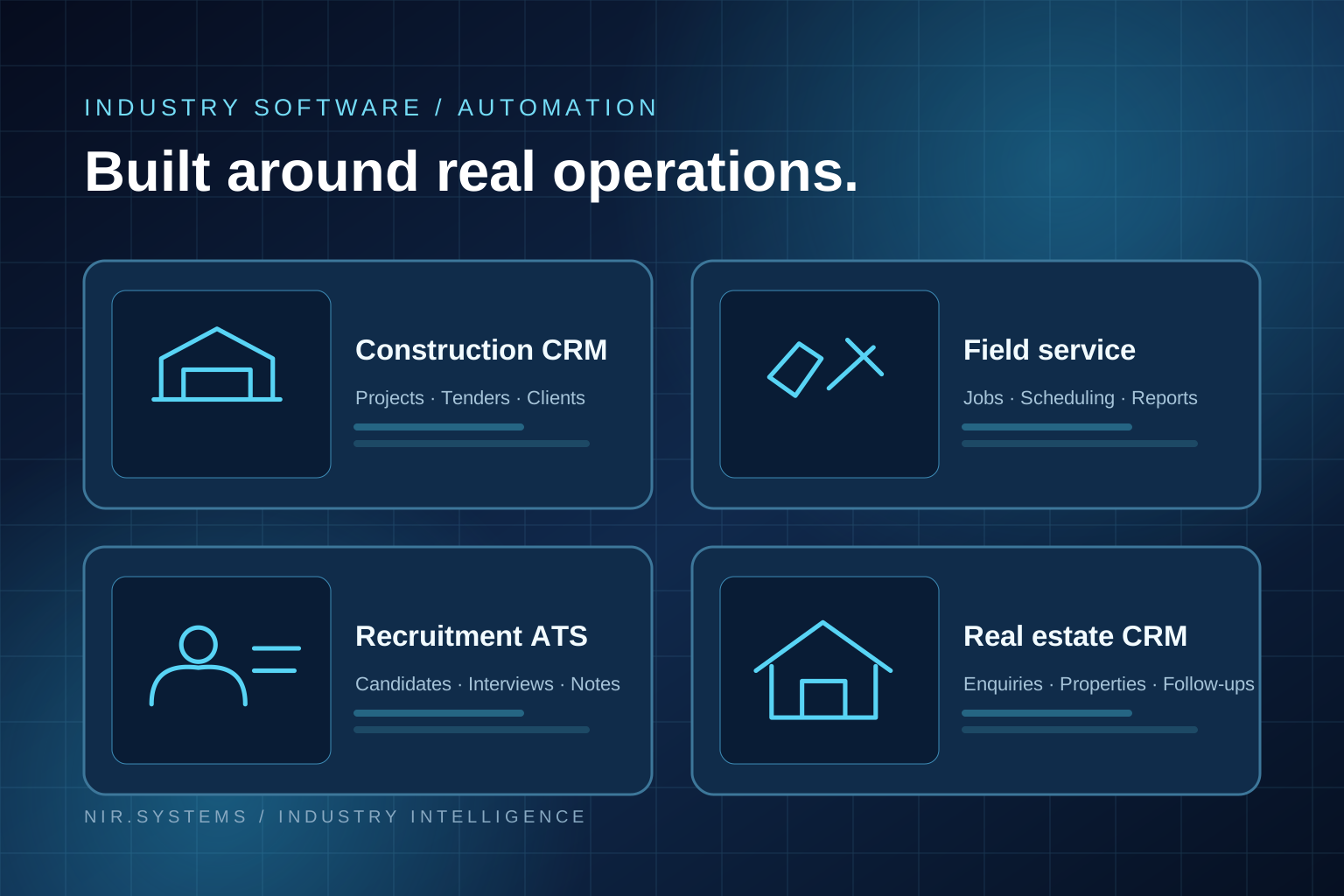
5. Real estate CRM applications
Agents manage enquiries, viewings and follow-ups. AI could draft inspection summaries from approved information. Staff must verify listing claims, fair-housing compliance, confidentiality and current facts before publication or customer contact.
6. Professional services software
Consultants and accountants handle proposals, notes and client files. Local AI could summarize documents within authorized permissions, potentially shortening preparation work. Source quality and client confidentiality matter; advice, contracts and financial statements still require professional review.
7. Custom business automation systems
A custom system could connect forms, CRM data and approvals, send routine classification to a local model and complex research to an approved cloud service, then queue results for review. This custom AI software architecture requires integration, testing and governance; it is not a plug-and-play feature.
Can Small Businesses Benefit from Local AI?
Yes, but first identify a repetitive task with measurable costs or errors. Pilot a rules-based option, cloud service and—where justified—a local model before buying hardware.
Budget for engineering, backups, security, model updates, support and training—not just hardware. Several employee devices may be harder to maintain than one managed service. Smaller models can run on modest equipment; demanding ones need more compute.
Cloud AI can suit occasional tasks, remote teams and rapid launches. Local processing may justify its cost for high-volume tasks, offline needs or specific governance requirements.
How Local AI and Industry-Specific Software Could Work Together
A controlled hybrid AI architecture follows this sequence:
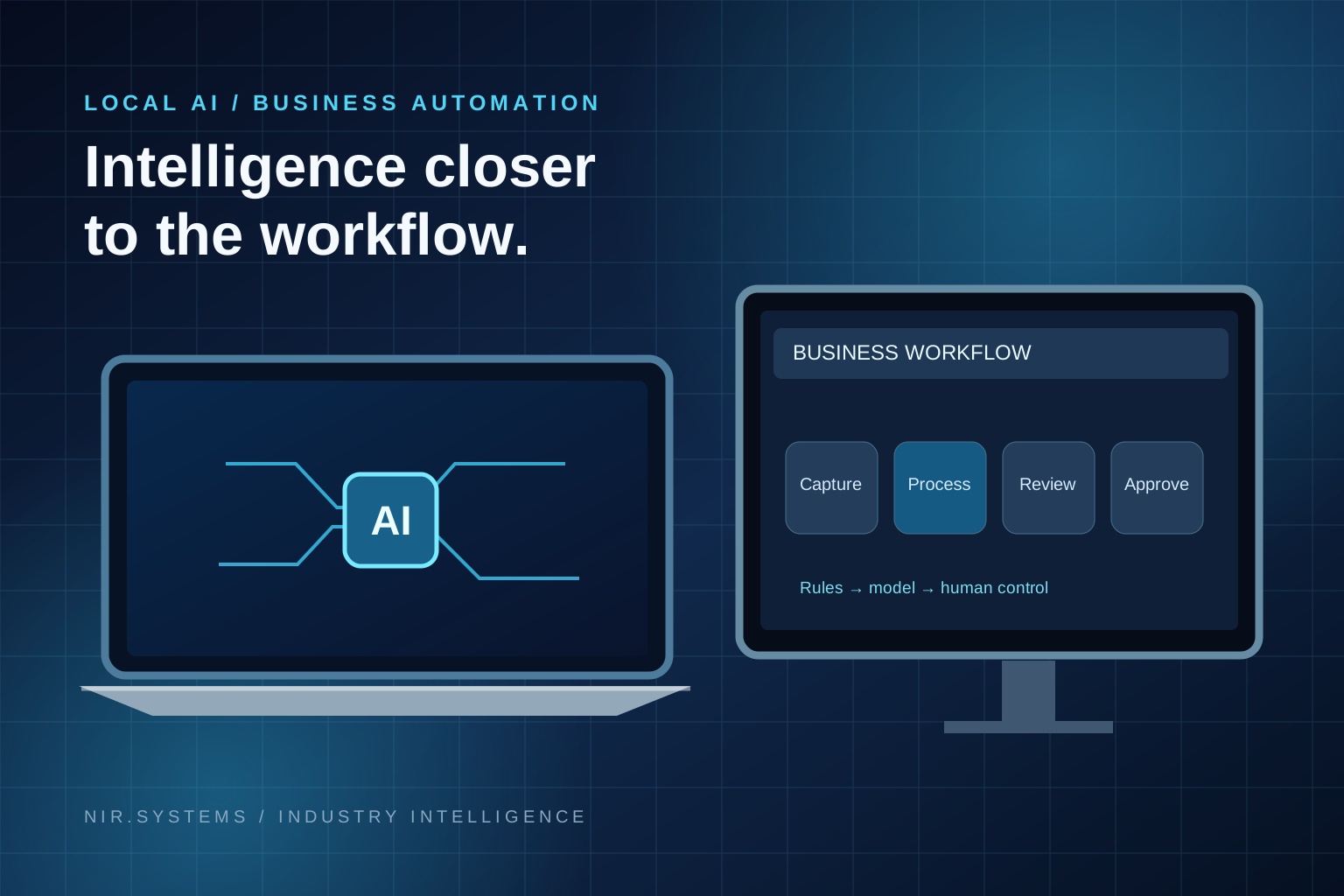
Business application → workflow rules → local or cloud AI processing → human review → approved action.
Imagine a field technician completing a service record. A field-service application stores the checklist and notes. Workflow rules determine whether a summary is needed. An approved model—local when device capability and policy allow, cloud when authorized and necessary—drafts the summary. A supervisor checks the result. Only then does the system issue the customer report.
NIR's QuoteFlow applies configured pricing rules, not AI-guessed prices. A separately scoped assistant could help organize enquiries, while rules and human approval control commercial commitments.
In a CRM, AI workflow automation could propose follow-ups while leaving record changes and outbound messages subject to approval.
What Business Owners Should Check Before Investing
Ask vendors or your implementation team these nine questions before committing:
- Business problem: What precise step is slow, costly or error-prone today?
- Deployment costs: What will hardware, integration, usage, energy and ongoing support cost?
- User permissions: Can every person and AI agent access only authorized records and tools?
- Information security: Where do inputs, outputs, logs, backups and temporary files actually go?
- Hardware requirements: Which tested model runs on which device at the required speed?
- Model accuracy: How will errors, hallucinations and low-confidence outputs be detected?
- Maintenance responsibility: Who patches devices, tests model changes and handles incidents?
- Vendor independence: Can data and workflows be exported or transferred if a provider changes?
- Return on investment: Against a non-AI baseline, what measurable benefit survives support costs?
Set measurable acceptance criteria, compare with a baseline and require human sign-off for consequential actions.
How NIR.Systems Helps Businesses Adopt Practical Software
NIR.Systems builds practical software around business workflows. Its industry software catalogue includes configurable CRM, appointment, recruitment, project-management and field-service concepts, with live demos and build-to-brief options. The company also offers specialist AI applications that businesses can brand, along with custom development for processes that do not fit an off-the-shelf product.
Two currently available focused tools are QuoteFlow, which captures enquiries and creates estimates from configurable rules, and FieldReport, which organizes job notes, photos, acknowledgments and professional reports. These are concrete examples of solving operational problems without relying on AI for every decision.
NIR does not state that these products run local AI models. On-device inference, offline work or hybrid deployment would be a potential custom engineering requirement, dependent on discovery, security and compatibility assessment, and an agreed scope.
Frequently Asked Questions
What is local AI?
Local AI runs model inference on an approved nearby device or server. It can reduce reliance on remote processing for supported tasks, but does not automatically eliminate cloud connections or security risks.
What is hybrid AI?
Hybrid AI combines local and cloud processing. Software can choose the appropriate location for each task based on capability, cost, network conditions and policy.
Can AI run without the internet?
Some locally installed models can run inference offline after setup. However, licensing, updates, synchronized data, external tools and connected business applications may still require the internet.
Is local AI safer than cloud AI?
Not inherently. Local deployments reduce some transmission requirements but add endpoint, patching, physical-access and backup risks. Cloud systems have different vendor and data-governance risks. Assess the complete design.
Do businesses need expensive hardware?
Not always. Small models can serve narrow tasks on suitable existing equipment. Very large models, high throughput or multi-user workloads may justify powerful workstations, dedicated servers or cloud infrastructure.
How can AI integrate with CRM systems?
Through permission-controlled APIs or application workflows, AI can suggest classifications, summaries and follow-ups. Business rules, audit logs and human review should control any updates or customer-facing actions.
What is the difference between general AI and industry-specific AI?
General AI supports broad tasks. Industry-specific AI, or vertical AI, is designed around a particular profession's vocabulary, documents, rules and workflows. Specialization is useful only when supported by accurate source material, testing and operational controls.
Conclusion: Start With the Workflow, Not the Hardware
Microsoft's October 2026 announcements make a stronger case for running selected AI workloads on PCs while retaining cloud access where it helps. For businesses, the opportunity is not a new category of laptop for its own sake. It is a better choice of where work gets processed, how employees review results and how existing systems connect.
The sensible next step is to pick one process, measure the problem and evaluate local, cloud and non-AI options on the same criteria. Explore NIR's industry-specific software and specialist AI offerings, or contact NIR to scope a business application around your workflow.
References and verification
- Microsoft Devices Blog, October 7, 2026: Pre-order our most powerful Surface devices ever.
- Microsoft Windows Experience Blog, October 7, 2026: Building Windows for hybrid intelligence.
- Reuters, October 7, 2026: Microsoft brings more AI to PCs as it challenges Apple.
- NIR.Systems: Software catalogue, Specialist AI, Construction CRM, QuoteFlow, and FieldReport. All checked October 8, 2026.
Editorial note: The user-provided Google Trends figure of 50K+ refers to the broader “technology news” trend, not verified search volume for “local AI” or Surface Laptop Ultra. Keyword search-volume estimates are planning inputs, not independently verified traffic data.
Make business software work for your workflow
Explore NIR.Systems' current industry software or discuss a scoped custom application. Local AI deployment requires a separate feasibility assessment.